
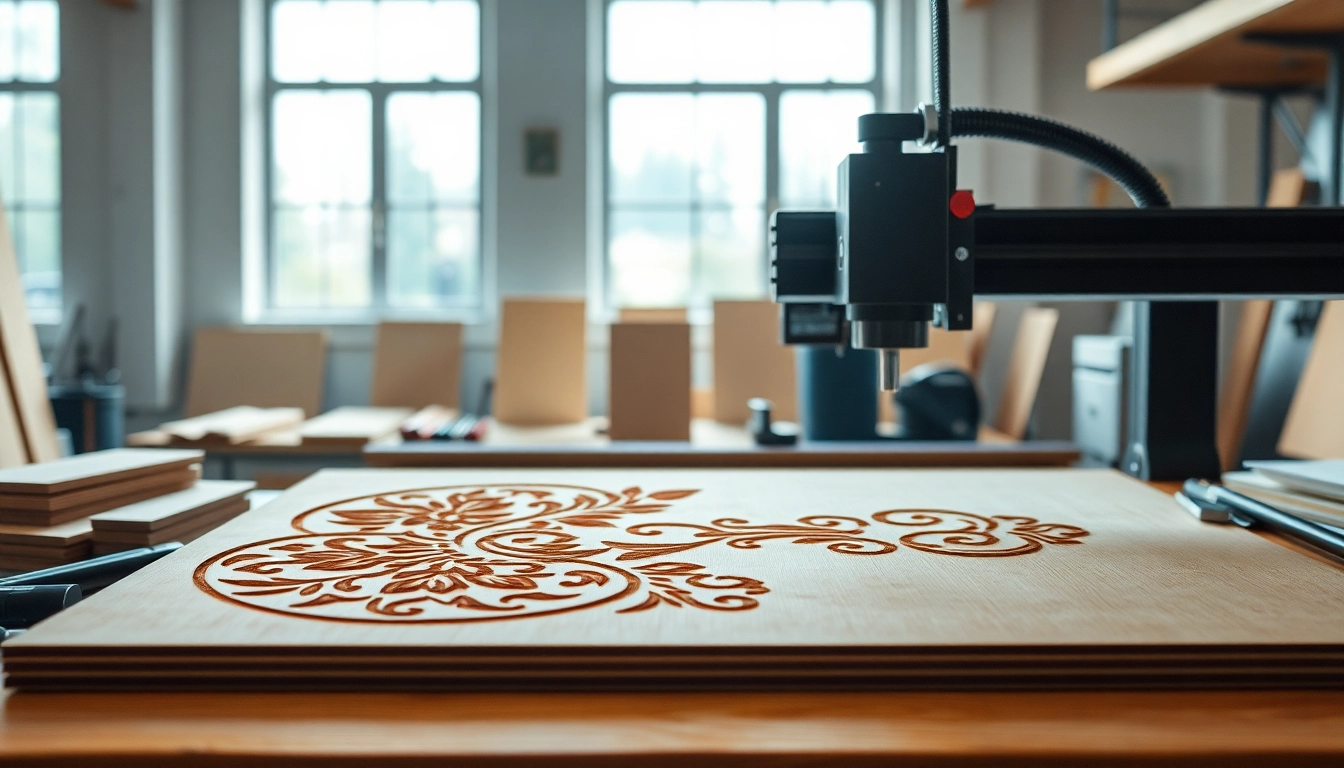
Understanding dxf File for Laser Cutting
In the world of digital manufacturing and design, understanding specific file formats can significantly impact the quality and efficiency of your projects. One such format that stands out, especially in laser cutting applications, is the dxf file for laser cutting. This file format is integral for transferring design information accurately from software to machining equipment. Let’s delve into what a dxf file is, its importance in laser cutting, and how it functions within various design environments.
What is a dxf File?
A dxf, which stands for Drawing Exchange Format, is a file format developed by Autodesk for enabling data interoperability between AutoCAD and other software. It allows for the representation of two-dimensional and three-dimensional drawings in a standardized manner. The primary purpose of a dxf file is to facilitate the sharing of data between various CAD (Computer-Aided Design) software applications, making it essential for professionals across multiple fields, including architecture, engineering, and manufacturing.
Importance of dxf Files in Laser Cutting
When it comes to laser cutting, the importance of dxf files becomes apparent. These files contain important vector information needed to guide the laser cutter precisely as it executes cuts and engravings. Unlike raster images, which are pixel-based and can lose quality when resized, vector graphics in dxf files maintain their integrity. This quality is crucial for ensuring clean cuts and detailed engravings, resulting in higher-quality finished products.
Common Formats and Compatibility
In laser cutting, several file formats are commonly accepted in addition to dxf, such as SVG (Scalable Vector Graphics) and AI (Adobe Illustrator). However, dxf files are particularly preferred due to their widespread compatibility across various laser cutting machines and CAD programs. Understanding the compatibility of dxf files with your chosen laser cutting equipment is vital. Most modern laser cutters support dxf format due to its versatility and ease of use, ensuring that designers can work seamlessly across different platforms.
Preparing Your dxf File for Laser Cutting
Design Guidelines for Effective Cuts
Creating a dxf file for laser cutting requires adherence to specific design guidelines to ensure the best results. Here are some critical considerations:
- Line Weight: Ensure that the lines in your design are set to a hairline thickness, as any thicker lines may confuse the laser cutter about the cutting path.
- Closed Paths: Always confirm that all paths are closed to avoid unexpected cutting issues, which can lead to incomplete designs.
- Layer Management: Utilize layers effectively to differentiate between cut, engrave, and score operations. Labeling layers accordingly will simplify job execution and adjustments.
- Material Considerations: Keep in mind the type of material you are cutting, as different materials may require various settings regarding speed and power.
Software Options for Editing dxf Files
To create or modify dxf files, several software options are available, ranging from beginner-friendly applications to professional-grade CAD software. Notable mentions include:
- AutoCAD: A robust and versatile software widely used for creating detailed dxf drawings.
- Inkscape: An open-source vector graphics editor that can export designs as dxf files.
- CorelDRAW: Known for its advanced design features, this software also supports dxf file exports.
- Fusion 360: A powerful 3D design tool that can create dxf files from 2D sketches.
Common Mistakes to Avoid
To achieve flawless laser cuts, designers must be aware of common pitfalls when preparing dxf files:
- Using raster images instead of vector paths, which compromises resolution.
- Not checking the scale of the design, which may result in a mismatched final product.
- Neglecting file organization, leading to confusion during the cutting process.
- Overlooking material specifications, affecting the cutting and engraving outcome.
Utilizing dxf Files in Various Projects
Creative Ideas for Laser Cutting with dxf Files
dxf files are incredibly versatile, allowing for creativity across numerous projects. Here are a few ideas:
- Custom Signage: Create unique signs for businesses or events by leveraging dxf files to cut intricate designs out of acrylic or wood.
- Artistic Pieces: Use laser cutting to produce three-dimensional art pieces, combining different materials for a visually stunning effect.
- Prototyping: Utilize dxf files to quickly prototype new product designs, ensuring fast feedback and iterations.
- Home Decor Items: From wall art to unique furniture elements, dxf files can be used to craft pieces tailored to individual aesthetics.
Applications in Different Industries
The applications of dxf files extend into various sectors, showcasing their relevance:
- Architecture: Architects use dxf files for plotting building layouts and site plans, providing clear communication of specifications.
- Manufacturing: In manufacturing, dxf files streamline processes by enabling quick adjustments and refinements to part designs.
- Fashion & Textiles: The fashion industry employs dxf files in fabric cutting machines to produce intricate patterns efficiently.
- Signage and Branding: Companies utilize dxf files to fabricate signs and promotional materials that require precision cutting for branding purposes.
Case Studies of Successful Projects
Examining real-world applications can provide insight into effective uses of dxf files:
For instance, a local artist might employ dxf files to produce a series of wooden sculptures. By meticulously designing each component in CAD, the artist converts complex visual pieces into machine-readable formats that the laser cutter executes efficiently, resulting in an impressive collection showcased at an artisanal fair.
In another example, a business utilized dxf files for the rapid prototyping of a new product line. By creating multiple iterations of their design and les worked in tandem with iterative feedback sessions. The result? The company was able to release an innovative product far ahead of its competitors.
Maximizing Efficiency with dxf Files
Streamlining Your Design Workflow
Efficiency is crucial in any design process, and leveraging dxf files can significantly streamline workflows. Steps include:
- Template Utilization: Create templates for frequently used designs to save time on future projects.
- Batch Processing: If producing multiple items, design once and use the same dxf file for batch processing.
- File Organization: Develop a systematic approach to file storage to make retrieval easy and quick.
Tips for Speeding Up the Cutting Process
To enhance the cutting process, consider the following strategies:
- Optimize settings for the laser cutter, such as speed and power, tailored to specific materials.
- Group similar cuts in close proximity to minimize travel time for the laser head.
- Incorporate nesting techniques to maximize material usage and reduce waste, improving both environmental impact and cost-efficiency.
Performance Metrics to Measure Success
Measuring efficiency and effectiveness in using dxf files can be accomplished through various performance metrics:
- Cutting Time: Assess how long it takes to cut specific designs; aim for reductions in this measure as skills increase.
- Material Utilization: Track the wastage levels of materials used per project to identify areas for improvement.
- Post-Production Quality: Evaluate the accuracy of cuts and engravings, adjusting designs based on feedback.
Frequently Asked Questions about dxf Files
How do I create a dxf file for laser cutting?
You can create a dxf file through software like AutoCAD or Inkscape using the “Export” or “Save As” feature and selecting the dxf format.
What software can I use to edit dxf files?
Common options include AutoCAD, CorelDRAW, and open-source software like Inkscape, all offering dxf editing capabilities.
Are there specific settings for cutting different materials?
Yes, different materials require specific adjustments to laser speed and power settings; consult your laser cutter’s guidelines for best practices.
How to troubleshoot common issues with dxf files?
Common issues include open paths or compatibility problems; using a validation tool can help identify and rectify these errors before cutting.
What are the best practices for saving dxf files?
Save files in a version compatible with your software and maintain organized folders with clear naming conventions for easy retrieval.
About the Author